
About Canva AI
About Canva
What is Canva?
Canva is a cloud-based graphic design platform that allows users to create social media graphics, presentations, posters, documents, and other visual content. It uses a drag-and-drop interface and provides thousands of templates, making design accessible to non-designers and professionals alike.
The platform democratized design by eliminating the need for complex software like Adobe Photoshop or Illustrator. Whether you need a logo, Instagram post, business card, or full presentation, Canva helps you create professional-looking visuals in minutes.
Why Use Canva?
Traditional design software has a steep learning curve and requires significant time investment. Canva solves this by offering an intuitive interface with pre-designed templates and elements that anyone can use.
Its browser-based platform works on any device, and content automatically saves to the cloud. This makes it ideal for teams, small business owners, social media managers, and students who need quick, high-quality designs without hiring a professional designer.
Key Features
Drag-and-Drop Editor
Simply click, drag, and drop elements onto your canvas. No design experience required.
Massive Template Library
Access thousands of professionally designed templates for any use case — social media, marketing, education, events, and more.
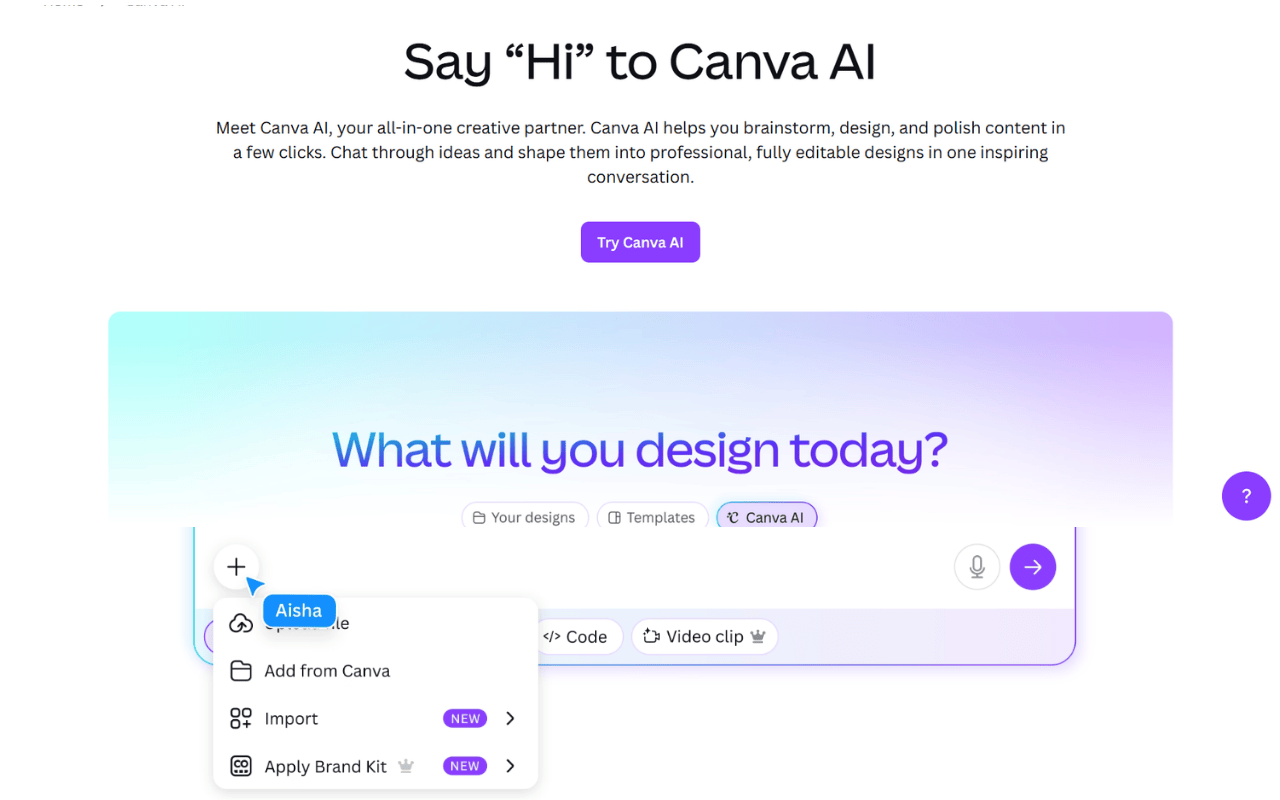
AI-Powered Design Tools
- Magic Design: Generate custom templates from text prompts
- Magic Eraser: Remove unwanted objects from images
- Magic Edit: Replace or add elements with simple text descriptions
- Background Remover: Remove image backgrounds instantly
Brand Kit
Upload your logo, set brand colors, fonts, and create templates that maintain brand consistency across all designs.
Collaboration Features
Multiple team members can work on the same design simultaneously, leave comments, and share feedback in real-time.
Extensive Media Library
Access millions of stock photos, videos, audio tracks, graphics, and illustrations — many free to use.
Video Editing
Create and edit videos directly in Canva with trimming, transitions, animations, and text overlays.
Print Services
Order physical prints of your designs — business cards, flyers, posters, mugs, t-shirts, and more — directly from Canva.
Canva Docs
Create visual documents that combine text, images, videos, and charts — a modern alternative to traditional word processors.
Whiteboards
Brainstorm ideas, create flowcharts, and collaborate visually with infinite whiteboard canvases.
Who is Canva Best For?
Social Media Managers create consistent, on-brand posts across multiple platforms in minutes.
Small Business Owners design logos, flyers, menus, business cards, and marketing materials without hiring a designer.
Marketers produce campaign visuals, email headers, ad creatives, and presentation decks quickly.
Teachers & Students create engaging lesson materials, worksheets, posters, and projects.
Non-Designers who need professional visuals but don’t have design skills or software budgets.
Remote Teams collaborate on designs, presentations, and documents from anywhere.
Content Creators design YouTube thumbnails, Instagram stories, Pinterest pins, and blog graphics.
Pricing
Canva operates on a freemium model:
Free Plan Includes:
- 250,000+ free templates
- 100+ design types
- 5GB cloud storage
- Basic editing tools
Pro Plan Adds:
- 100M+ premium stock photos, videos, audio
- 1TB cloud storage
- Background remover
- Magic AI tools (unlimited)
- Brand kit
- Schedule social media posts
- 50+ AI-powered design tools