

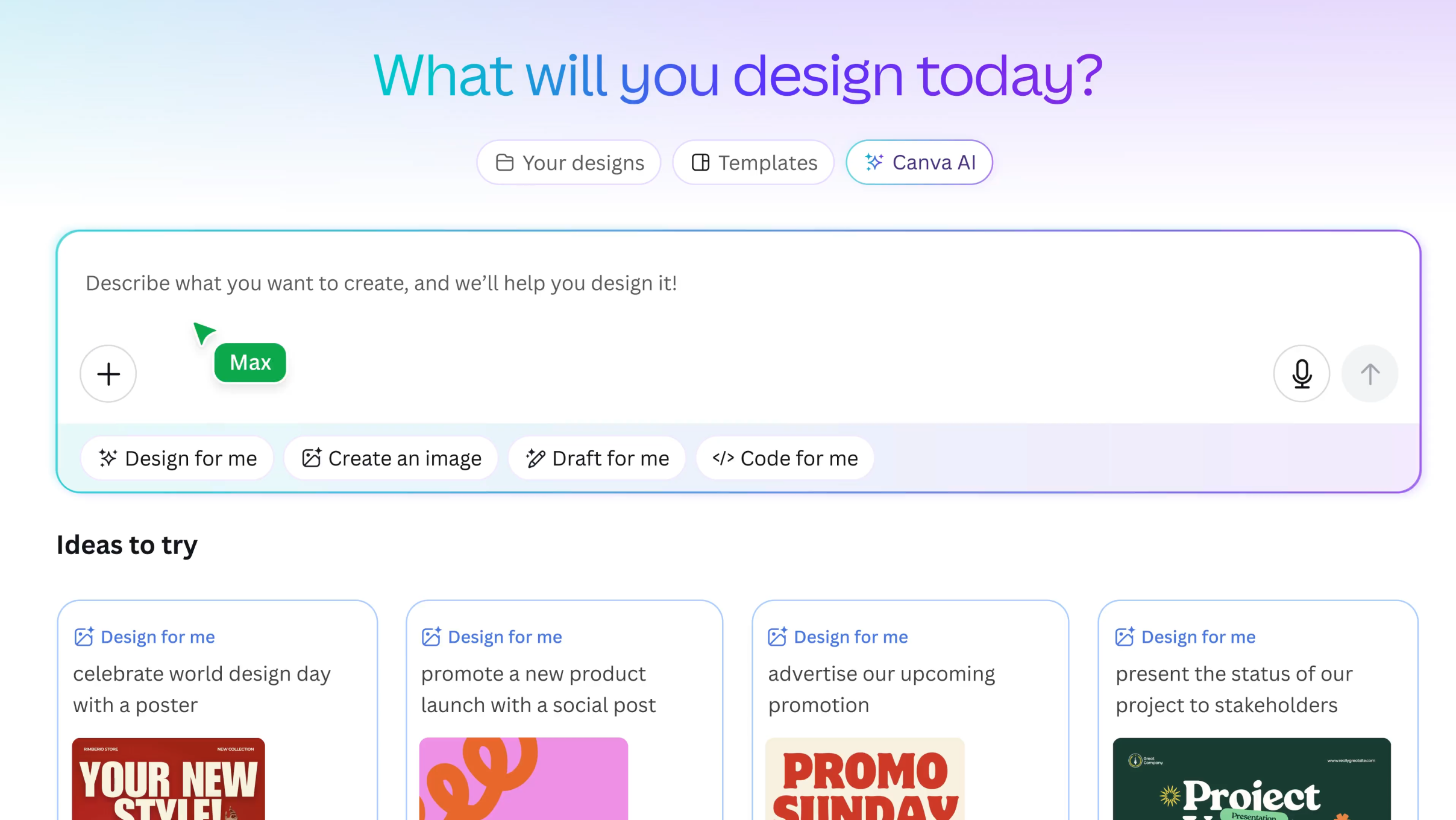
After testing Canva AI across practical workflows, the conclusion is clear: it delivers real efficiency gains for existing users, but it is not a reason on its own to switch from more specialized tools.
Canva AI is best suited for marketers, small business owners, and content creators already working within Canva. It is less suitable for professional writers, advanced designers, or users looking for best-in-class standalone AI tools.
The value lies in convenience, not capability leadership.
Review (4/5)
Key Takeaways
What Canva AI Includes
Canva’s AI features are integrated throughout the platform rather than centralized in a single interface. These tools operate contextually within the editor.
Core features include:
- Magic Write for generating short-form text directly inside designs
- Magic Design for creating layouts from prompts
- Magic Edit for replacing parts of images
- Magic Eraser for removing unwanted elements
- Background Remover for isolating subjects from images
- Text to Image for generating visuals from prompts
- Magic Animate for adding motion to static designs
Affiliate Disclosure:
This article may contain affiliate links. If you sign up through these links, we may earn a commission at no additional cost to you. Our reviews are based on independent testing and are not influenced by affiliate partnerships.
The free plan includes limited AI usage, while the Pro plan unlocks full access.
Feature Evaluation
Magic Write
Magic Write performs adequately for short, functional text such as captions, headlines, and basic descriptions. It is useful for reducing friction within the design process, allowing users to generate text without leaving the platform.
However, it lacks the depth, control, and consistency required for long-form or high-quality copywriting. For content-heavy workflows, dedicated writing tools remain significantly more capable.
Magic Design
Magic Design is one of the more practical additions. It generates structured layouts based on user prompts, providing a usable starting point rather than a finished product.
While it does not eliminate the need for manual adjustments, it reduces the time required to move from a blank canvas to a workable design. For users producing presentations or marketing assets regularly, this feature adds measurable efficiency.
Magic Edit and Magic Eraser
These tools handle basic image editing tasks such as object removal and background replacement. Performance is acceptable for simple use cases, particularly in social media content.
Limitations become apparent in more complex scenarios, especially where precision and detail are required. Results are not comparable to professional editing tools, but they are sufficient for quick, low-stakes edits.
Background Remover
Background Remover is the most reliable and consistently valuable feature in the AI suite. It performs well across common use cases such as product images and marketing visuals.
In many cases, it produces results that require little to no manual correction. For users working with visual content regularly, this feature alone can justify the Pro subscription through time savings.
Pricing
Canva’s Pro plan is priced at approximately $14.99 per month, with all AI features included. The free plan offers limited AI usage, which is quickly exhausted in real workflows.
The key distinction is that Canva does not position AI as a separate product. Instead, it is bundled into a broader platform that already includes templates, brand tools, and collaboration features.
This bundled approach is central to its value proposition.
Comparison with Alternatives
Against Dedicated AI Writing Tools
Canva’s writing capabilities are not designed to compete with specialized platforms. Tools focused on long-form content, SEO, and structured writing workflows offer significantly more control and output quality.
Canva’s advantage is contextual convenience rather than writing performance.
Against Advanced Design Tools
Compared to more advanced platforms, Canva’s AI features are simpler and less precise. However, they are also more accessible and require significantly less technical skill.
The trade-off is clear: ease of use over depth of capability.
Pros
Cons
Try Canva AI
Free plan available (50 AI uses/month) | Pro starts at $14.99/month
Frequently Asked Questions
Canva AI is worth it for users who already rely on Canva for design work. It improves efficiency by adding AI features directly into existing workflows. However, it is not a strong standalone alternative to specialized AI tools.
